
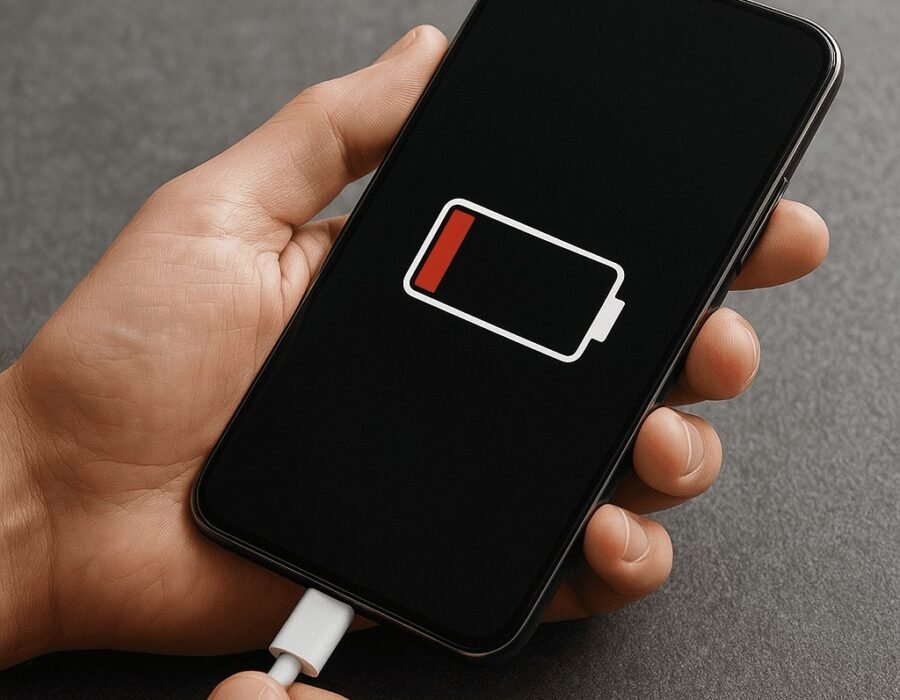
Notice your phone dying by dinner when it used to last all day? That’s not your imagination — lithium-ion batteries chemically age, losing about 20% of their capacity after 500 full charge cycles (roughly 2–3 years of normal use). Here’s how long phone batteries really last, how to check yours, and when a $70 battery swap beats a $800 new phone.
How Long Do Phone Batteries Usually Last Before They Need Replacing?
2–3 years for most people before capacity drops below 80% — the threshold where Apple and Samsung consider a battery “worn.” Heavy users (gaming, hotspotting, constant 5G) can hit that wall in 18 months; light users might stretch to 4 years. After 80%, the phone doesn’t just die faster — iPhones actively throttle performance to prevent shutdowns, making the whole device feel sluggish.
How to Check Your Battery Health
- iPhone: Settings → Battery → Battery Health & Charging — shows Maximum Capacity %. Below 80%, Apple recommends replacement.
- Samsung: Settings → Battery → Battery health (or dial *#0228# on some models).
- Pixel: Settings → Battery → Battery health (Android 14+).
- Any Android: Apps like AccuBattery estimate capacity over several charge cycles.
What Kills Batteries Faster
Heat is the #1 killer — wireless charging in a hot car, gaming while plugged in, or leaving your phone on a sunny dashboard ages batteries dramatically. Deep discharges (regularly hitting 0%) stress the chemistry more than partial top-ups. Cheap fast chargers that run hot do cumulative damage. And keeping a phone at 100% for weeks (like a desk phone permanently docked) accelerates aging — which is why many phones now offer an 80% charge limit option.
Chargers: What Actually Matters
You don’t need the manufacturer’s $30 charger, but you do need a reputable GaN charger from brands like Anker, Belkin, or UGreen — cheap no-name chargers often deliver dirty power and excess heat. Wattage: Match your phone’s max (iPhones ~20–27W, Samsung flagships 45W) — higher wattage chargers are safe (the phone negotiates what it draws), but a 5W Apple brick from 2015 will charge painfully slowly. Cables matter more than people think: a frayed or dollar-store cable can cause intermittent charging that generates heat. Replace cables yearly if you charge daily — it’s a $12 investment that protects a $70 battery.
Replace the Battery or the Phone?
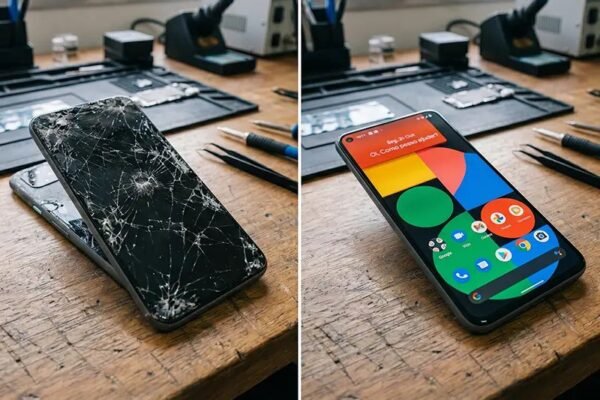
Replace the battery if: the phone is under 3 years old, everything else works fine, and a battery swap costs under $100 (Apple: $69–$99 depending on model; Samsung: $50–$70; independent shops: $40–$80). A fresh battery genuinely makes a 2-year-old phone feel new again. Replace the phone if: the battery is one of several problems (cracked screen, dying storage, no more OS updates), or the phone is 4+ years old — at that point you’re throwing good money after bad. Our guide on repair vs. replace has the full decision framework, and if you do upgrade, read what to do before selling your old phone.
Battery aging is basic electrochemistry — Wikipedia’s lithium-ion article explains the degradation mechanisms if you’re curious.
The 80% Charging Limit: Worth It?
Newer iPhones and Pixels offer an 80% charge limit — the phone stops charging at 80% to reduce battery aging. Does it work? Yes, measurably: lithium-ion degrades fastest at high charge + heat, so capping at 80% can extend the battery’s healthy life by 30–50%. Should you use it? If you end most days above 30%, absolutely — you’re trading capacity you don’t use for longevity you’ll appreciate. If you regularly drain to near-zero: don’t — the stress of deep discharges outweighs the benefit, and a dead phone at 4 PM is worse than a slightly aged battery. The sweet spot: 80% limit + opportunistic top-ups (charge while you shower, in the car). For the obsessed: some Androids allow 85% — fine too. This is the single highest-impact battery habit, and it’s one toggle.
Battery Calibration: When the Percentage Lies
Phone dies at “20%”? The battery gauge (not the battery) is miscalibrated — common after 2+ years. The fix: drain the phone until it shuts off by itself, then charge uninterrupted to 100% (powered off charges cleanest). This teaches the fuel-gauge chip the battery’s true empty and full points. Do this once — not monthly (deep discharges harm lithium; this is a one-time recalibration, not maintenance). If it still dies early after calibration: the battery is genuinely degraded — check the health percentage and see our repair-vs.-replace guide. Also check: a rogue app draining power looks like battery failure — verify in battery usage stats before blaming chemistry.
Extending Battery Life: The Habits That Matter (Ranked)
By actual impact on lifespan: 1) Keep it cool — heat is 50% of the story (see our charging heat guide). 2) Enable the 80% limit — 30–50% longer healthy life for one toggle. 3) Avoid cheap fast chargers — dirty power + heat. 4) Don’t store at 100% or 0% — long-term storage at 50% (the drawer phone). 5) Update software — battery-drain bugs get fixed. What doesn’t matter: closing apps manually (the OS handles it), “battery saver” apps (placebos), charging overnight with optimized charging on, or wireless vs. wired (quality setups). Do the top 3 and ignore the rest — 90% of the benefit, 10% of the effort. Battery anxiety is optional; these habits make it automatic.
Second-Life Uses for Old Phones (Don’t Trash Them)
A phone with a worn battery still has uses: Dedicated media remote (plugged in permanently — battery irrelevant), security camera (Alfred, Manything apps — free), kids’ gaming device (airplane mode + downloaded games), car dashboard display (offline maps + music), or backup 2FA device (authenticator apps work without service). When to recycle: truly dead (no power, swollen battery) — Apple/Best Buy/Staples take them free. Never trash lithium batteries (fire risk). A $70 battery replacement often beats repurposing — but for the truly retired, these second lives beat the drawer. See: our repair-vs.-replace framework for the decision.
Why Phone Batteries Swell (and What to Do)
Battery swelling happens when gases build up inside the lithium-ion cell — usually from manufacturing defects, physical damage, or chronic overcharging/heat. It’s the one battery symptom that’s genuinely dangerous: a swollen battery can puncture, short-circuit, and catch fire.
Warning signs: the screen separating from the frame, the back panel bulging, the phone rocking on a flat table, or a case that suddenly fits too tightly. If you notice any of these, stop using and charging the phone immediately. Don’t try to puncture or “deflate” it, don’t put it in the trash (it can ignite in garbage trucks), and don’t ignore it hoping it stabilizes.
Take it to a repair shop or manufacturer service center promptly — they’ll remove it safely. For disposal, use a battery recycling point (Best Buy, Home Depot, and municipal hazardous waste sites all accept them). Transport it in a non-flammable container, ideally a LiPo safety bag ($8–$12) if you have one.
Frequently Asked Questions
Can a swollen battery explode?
It can catch fire or vent hot gases, especially if punctured or bent. ‘Explode’ overstates it slightly — the realistic danger is intense fire that’s hard to extinguish. Treat any swollen battery as hazardous and stop using the device.
Will Apple/Samsung replace a swollen battery free?
Sometimes — swelling within the warranty period (or AppleCare) is usually covered as a defect. Outside warranty, expect to pay the standard battery replacement fee ($69–$99). It’s worth asking; manufacturers take swelling seriously.
Does wireless charging cause swelling?
No direct link. Swelling comes from cell defects, damage, or age — not charging method. But chronic heat (which wireless charging adds slightly) accelerates all battery degradation, so the indirect connection exists.
How common is battery swelling?
Uncommon — well under 1% of phones. But with billions of phones in use, it happens thousands of times yearly. Age is the biggest factor; swelling is rare under 2 years, more common at 4+.
Can I still use my phone with a slightly swollen battery?
No. Even minor swelling means the cell’s internal structure is compromised, and it can worsen suddenly. Back up your data (carefully — don’t charge it to do so if it’s hot), then power it down and get service.
How should I store a device with a swollen battery before service?
Powered off, in a cool dry place away from flammables, ideally in a metal container or LiPo bag. Don’t stack things on it. Get it serviced within days, not weeks.
The bottom line
Expect 2–3 years before your battery drops below 80% capacity. Check your battery health today — if it’s under 80% and the phone is otherwise fine, a $70 battery replacement buys you another 2 years and is the best value in all of phone ownership. Keep it cool, avoid cheap chargers, and don’t obsess over perfect charging habits — moderate care gets you 90% of the benefit.


2 Comments