You line up the perfect shot, click — and your character fires half a second later. By then you are dead. That infuriating delay has a name: ping. It is the single most misunderstood number in gaming, blamed for every missed shot and rubber-banded across every forum. If you want to understand how long does it take to really understand ping and how to lower it, the good news is that the concept takes five minutes and the fixes take an afternoon. The bad news is that some ping problems cannot be fixed with settings — only with physics.
Ping measures round-trip time: how long a data packet takes to travel from your device to the game server and back, in milliseconds. Lower is better. Under 20ms is excellent, 20–60ms is fine for most games, 60–100ms is playable but noticeable, and above 100ms you are fighting the connection as well as the opponents. But ping is only one of three network numbers that matter — the others being jitter (variation in ping) and packet loss (data that never arrives). A stable 60ms beats a spiky 30ms every time.
What Actually Determines Your Ping
The dominant factor is distance — specifically, distance to the game server, at roughly two-thirds the speed of light through fiber. You cannot beat physics: a player in New York connecting to a Los Angeles server will always have ~70ms+ ping, because light itself needs that long for the round trip. This is why server selection matters more than any tweak. Always play on the nearest server region, and be suspicious of games that do not let you choose.
After distance comes your local network. Wi-Fi adds latency and jitter compared to ethernet — walls, interference from neighbors’ networks, and microwave ovens all degrade the signal. Your router’s quality and age matter; so does network congestion, whether from your own household streaming 4K video or your ISP oversubscribing the neighborhood node at peak hours. The FCC’s broadband resources explain what speeds and latency your connection should deliver, which is useful ammunition when your ISP underperforms. And the best free games to play on your phone are often the most forgiving of mediocre connections, since mobile games are designed for variable networks.
The Fixes, in Order of Impact
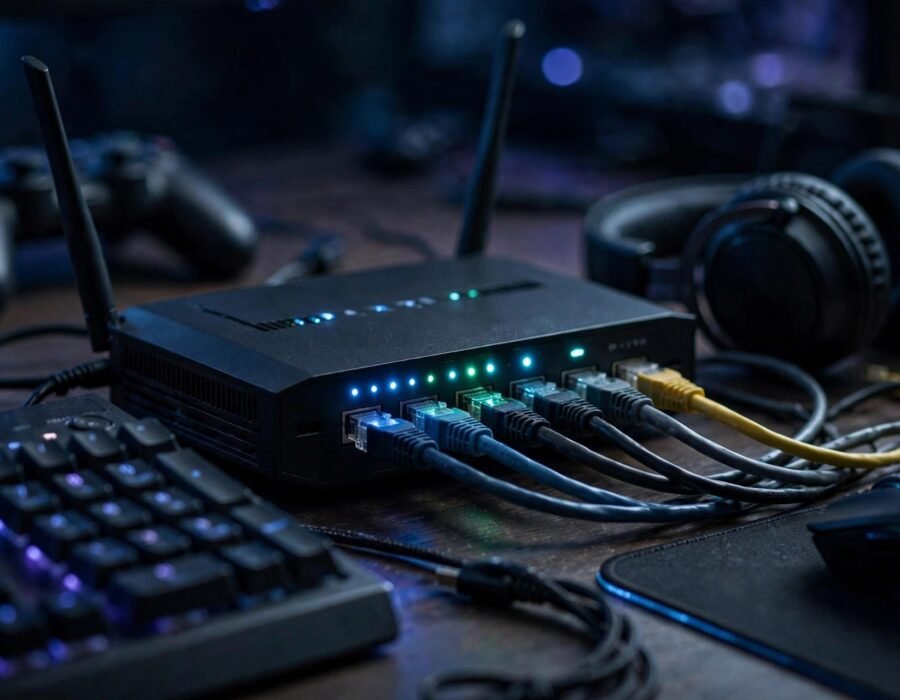
First, use ethernet. A wired connection eliminates Wi-Fi jitter entirely and is the single biggest improvement most players can make — a $15 cable beats a $300 router upgrade. Second, select the nearest server region in every game, and verify it stuck (some games quietly default to the wrong region). Third, close bandwidth hogs: pause cloud backups, stop the 4K stream in the next room, and check for background downloads. Fourth, enable QoS (Quality of Service) on your router to prioritize gaming traffic.
Fifth, consider your DNS and routing — occasionally switching to a faster DNS or using a gaming VPN with better peering can shave milliseconds, though results vary wildly. Sixth, update router firmware and network drivers; ancient firmware causes bufferbloat, where the router’s oversized buffers add delay. If ping spikes only at peak evening hours, the problem is likely your ISP’s congested node — call them with documented speed tests, or switch providers. The Cybersecurity and Infrastructure Security Agency also notes that keeping router firmware updated closes security holes, so the update does double duty.
What About “Gaming Routers” and Boosters?
Gaming routers help in specific ways — better QoS, lower-latency processing — but they cannot reduce the speed-of-light delay to a distant server. “Ping reducer” software is mostly placebo with good marketing. Powerline adapters (networking over electrical wiring) are a decent middle ground when ethernet is impossible, though quality varies by home wiring. Spend money on the wire first, the router second, and magic software never.
Understanding Jitter and Packet Loss
Ping gets the attention, but jitter ruins games. Jitter is inconsistency: ping swinging between 30ms and 150ms makes hit registration unpredictable, causing the classic “I shot first!” disputes. Packet loss — data vanishing entirely — causes rubber-banding, where characters teleport. Both usually indicate Wi-Fi interference, a dying router, or ISP infrastructure problems rather than distance. Diagnose with tools like ping plotters that graph latency over time; a sawtooth pattern screams local network trouble, while consistently high-but-stable ping screams distance.
Game netcode also matters enormously. Good netcode (rollback, lag compensation) hides latency gracefully; bad netcode makes 50ms feel like 150ms. This is why the same connection feels fine in one game and terrible in another. When choosing what to play competitively, the quality of the netcode deserves as much weight as the gameplay — and planning a fun game night with friends is more enjoyable when everyone understands whose connection is the bottleneck before the blame game starts.
Ping vs. FPS: Know Which Problem You Have
Players constantly confuse network lag with low frame rates — both feel like stuttering, but the fixes are opposites. Ping problems show as delayed actions, rubber-banding, and hits that do not register; FPS problems show as choppy visuals and screen tearing even in menus. Check both: run the game’s network stats overlay alongside an FPS counter. If FPS is fine but actions delay, it is the network. If the game stutters identically offline, it is your hardware. Fixing the wrong one wastes money — no router upgrade fixes a struggling GPU, and no graphics card fixes a congested connection.
The Bottom Line
Ping is round-trip time to the server, dominated by physical distance and degraded by Wi-Fi, congestion, and bad routing. Lower it with ethernet, the nearest server, a quiet network, and updated gear — in that order. Accept what physics will not let you change: no setting beats the speed of light. Measure, do not guess: test your ping properly, fix the biggest factor first, and stop buying magic software. Your shots will still miss sometimes. But at least now it will be your aim, not your connection — and that is progress you can feel.
Frequently Asked Questions
What is a good ping for gaming?
Under 60ms is good for most games; under 20ms is excellent. Competitive shooters benefit most from low ping, while strategy and turn-based games tolerate 100ms+. Stability matters as much as the number — consistent 60ms beats spiky 30ms.
Does Wi-Fi really increase ping that much?
Yes — Wi-Fi typically adds 5–20ms plus significant jitter compared to ethernet, and interference can cause spikes far worse. A wired connection is the single most impactful upgrade for most players. If ethernet is impossible, powerline adapters are the next best option.
Can a VPN lower my ping?
Sometimes, marginally. If your ISP’s routing to the game server is inefficient, a gaming VPN with better peering can find a faster path. But VPNs add their own overhead, so test carefully — for most players on decent ISPs, a VPN increases ping rather than lowering it.
Why is my ping fine but the game still lags?
Probably jitter or packet loss rather than ping — test with a tool that graphs latency over time. Or it is the game’s netcode, your frame rate (low FPS feels like lag), or server-side issues. Isolate variables: test ping independently of the game to find the real culprit.