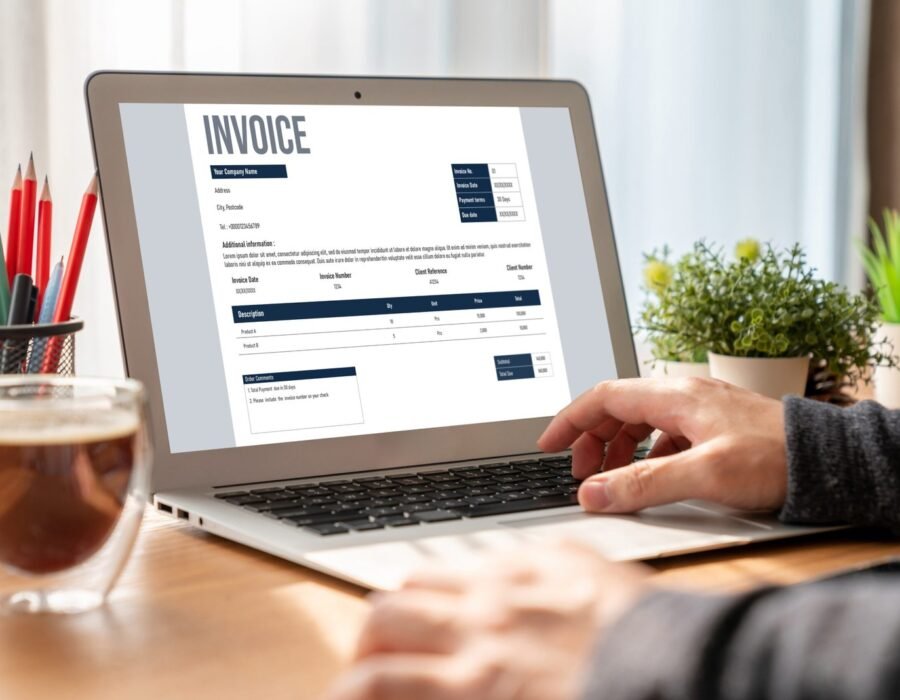
Walk into any small business forum and ask about bookkeeping software, and you’ll trigger a debate fiercer than anything about sports or politics. QuickBooks loyalists, Xero evangelists, Wave devotees defending free software to the death. As a beginner, the noise is paralyzing. So what is the best bookkeeping software for beginners? The honest answer: the best one is the one you’ll actually use consistently — but some choices are clearly better starting points than others, depending on your situation.
Here’s what I tell every new business owner: your bookkeeping software decision matters less than your bookkeeping habit. The fanciest software in the world can’t help if you ignore it for six months. That said, picking the wrong tool creates friction that kills the habit before it starts. So let’s cut through the noise with a practical, beginner-first comparison.
What Beginners Actually Need (It’s Less Than You Think)
Before comparing products, know what matters at the beginner stage:
- Automatic bank connections: Non-negotiable. The software must import transactions from your bank and credit cards automatically. Manual entry is where bookkeeping goes to die.
- Simple invoicing: Create, send, and track invoices without a tutorial. Payment reminders and online payment options are big pluses.
- Receipt capture: Snap a photo, auto-extract the details, attach to the transaction. This replaces the shoebox.
- Basic reports: Profit and loss, at minimum. You need to see whether you’re making money without a finance degree.
- Tax-time sanity: Clean categorization and an easy handoff to your accountant or tax software. Your future self will thank you.
- Honest pricing: No gotchas, no essential features locked behind tiers you’ll need in month two.
What beginners DON’T need yet: inventory management, multi-currency, payroll (usually — handle that separately at first), advanced reporting, or API integrations. Don’t pay for complexity you’ll grow into in three years. You can always upgrade.
The Best Bookkeeping Software for Beginners, Honestly Compared
Wave (Free): The standout for true beginners on a budget. Free accounting, invoicing, and receipt scanning — genuinely free, not a trial. It makes money on payment processing and payroll add-ons. Limitations: customer support is limited, it lacks some advanced features, and it’s best for simple service businesses. But for a freelancer or new sole proprietor? It’s remarkably capable for $0. Our expense tracking guide pairs perfectly with Wave’s free tier.
QuickBooks Online (from ~$30/month): The industry standard — your accountant almost certainly knows it, which matters enormously at tax time. Excellent bank connections, strong invoicing, massive app ecosystem. Downsides: the interface can overwhelm beginners, pricing creeps up through tiers, and Intuit’s upselling is relentless. Choose this if you want the safe, standard choice and plan to work with an accountant (most do). The Simple Start plan handles most beginners fine; don’t let anyone sell you Plus on day one.
Xero (from ~$15/month): The design-forward alternative. Cleaner interface than QuickBooks, excellent bank reconciliation, unlimited users on every plan (great if a bookkeeper or partner needs access). Slightly smaller US accountant familiarity than QuickBooks, but growing fast. A great pick if you value usability and might scale internationally — Xero’s multi-currency is the best in class.
FreshBooks (from ~$21/month): Built for service businesses and freelancers who live on invoicing. The invoicing experience is the best of the bunch — beautiful, simple, with great payment follow-up. Accounting features are lighter than QuickBooks/Xero, so it’s ideal if invoicing is your primary need and your accounting is simple.
Zoho Books (free tier available): The dark horse. Generous free tier for businesses under $50K revenue, solid features, part of the broader Zoho ecosystem. Worth a look if you’re already using Zoho products or want capable software free.
How to Choose in 15 Minutes
Answer three questions. One: What’s your budget? If it’s zero, start with Wave or Zoho’s free tier — you can migrate later; don’t let software costs delay starting. Two: Will you work with an accountant? If yes, ask THEM what they prefer before you choose. An accountant who lives in QuickBooks will serve you better on QuickBooks than on software they’re learning alongside you. Our article on accountant costs helps you budget for that relationship. Three: What’s your business model? Service freelancer → FreshBooks or Wave. Product seller → QuickBooks or Xero (inventory features matter). Side hustle testing the waters → free tier, upgrade when revenue justifies it.
Then commit for a year. The worst beginner mistake is switching software every three months chasing perfection. Pick one, learn it properly (most offer free onboarding webinars — take one), and build the habit. Migration later is annoying but entirely doable; never starting because you’re still comparing is fatal.
Setup Tips That Prevent 90% of Beginner Pain
Getting the software is step one. Setting it up right is what matters:
- Connect accounts on day one — business checking, business credit card, PayPal/Stripe if you use them. Historical import gives you instant context.
- Set up your chart of accounts simply. Don’t create 47 categories. Start with 10-15 broad ones (supplies, software, travel, meals, professional services…). You can split them later if needed.
- Schedule a weekly 15-minute review. Categorize new transactions, snap receipt photos, glance at cash flow. Weekly beats monthly — transactions are still fresh in memory.
- Reconcile monthly. Match your software balance to your actual bank balance. This catches errors, duplicates, and fraud. It takes 10 minutes and it’s the difference between books you trust and books you hope about.
- Back up and secure. Use strong passwords and two-factor authentication. Your financial data is a prime target — treat it accordingly.
The IRS requires you to keep records supporting your tax filings, and good software makes compliance nearly automatic. Clean books also make every other financial decision easier — from pricing to hiring to knowing whether you can afford to grow.
The Bottom Line
The best bookkeeping software for beginners: Wave if you want free and simple, QuickBooks Online if you want the industry standard your accountant knows, Xero if you value clean design, FreshBooks if invoicing is your life. Any of them beats spreadsheets and shoeboxes by orders of magnitude. Pick one this week based on your budget and accountant’s preference, connect your accounts, and start the 15-minute weekly habit. The SBA consistently finds that businesses with organized finances survive at dramatically higher rates — and organized finances start with the right tool plus the discipline to use it. Choose, commit, and move on to building your business.